
Choosing a business bank account can have a bigger impact on your day-to-day operations than many business owners realize. From managing invoices and tracking expenses to setting aside money for tax bills, the right account can save hours of administration every month.
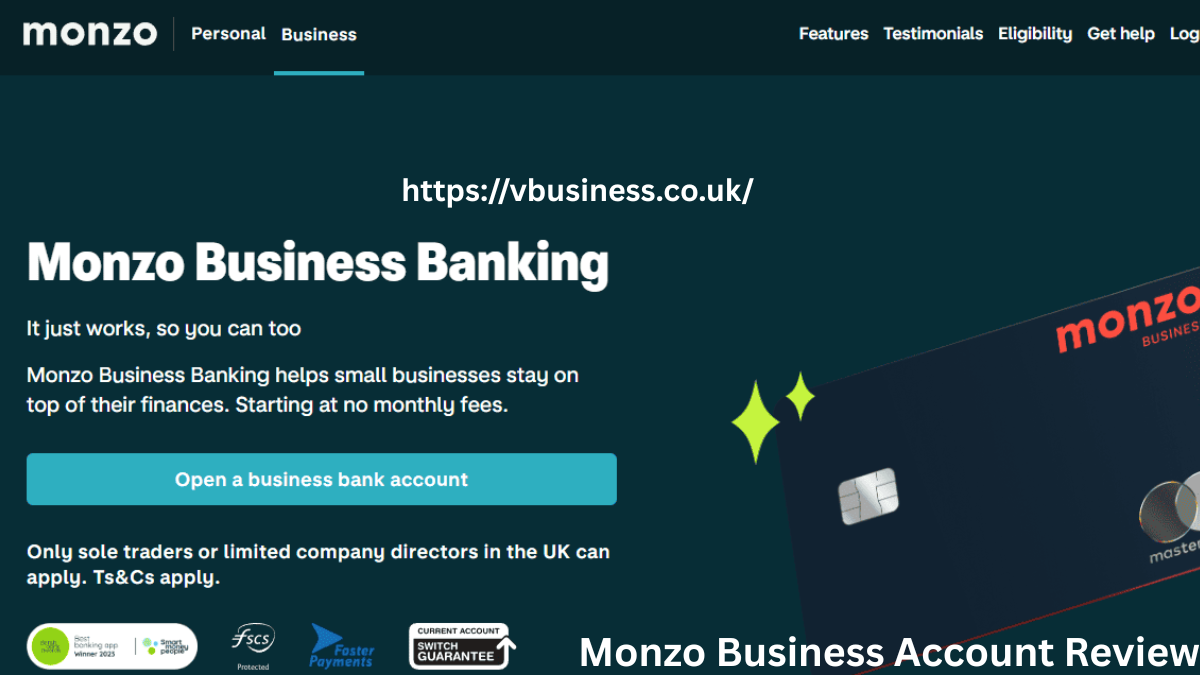
Monzo Business has become one of the UK’s most popular digital banking options for freelancers, sole traders, and small companies. Built on the same mobile-first experience that helped Monzo Business Account Review attract millions of personal banking customers, its business account focuses on simplicity, automation, and ease of use.
Unlike many fintech providers, Monzo is a fully licensed UK bank regulated by the Prudential Regulation Authority (PRA) and the Financial Conduct Authority (FCA). This means eligible deposits are protected by the Financial Services Compensation Scheme (FSCS) up to £85,000 per customer.
So, is Monzo Business worth considering in 2026? This review examines its pricing, features, strengths, weaknesses, and how it compares with other leading business banking options. If you are just starting, you might also want to check our comprehensive guide on Sole Trader Accounting to understand your legal, tax, and bookkeeping responsibilities in the UK.
Monzo Business Account Tiers & Pricing
Monzo keeps things simple by offering three main business account tiers to suit different stages of business growth.
1. Monzo Lite (£0 per Month)
Monzo Lite is the free version designed for sole traders and small businesses that need basic banking features without monthly fees.
Key features include:
- No monthly account fee
- Free UK bank transfers
- Business debit card
- Access to the highly-rated Monzo mobile app
- Spending insights and automated categorisation
- Real-time transaction notifications
For many freelancers and new businesses, Lite provides everything needed for everyday banking. The account is particularly attractive for those who want a modern app experience without committing to a subscription.
2. Monzo Pro (£9 per Month)
Monzo Pro is aimed at businesses that want more automation and cloud accounting support. It costs £9 per month, but Monzo currently offers the first month free for new users.
Additional features include:
- Automated Tax Pots
- Integrated invoicing tools (create, send, and track)
- Direct accounting software integrations
- Multi-user access for eligible limited companies
- Advanced receipt scanning and expense management
At £9 per month, Monzo Pro is a serious consideration. The subscription can often pay for itself if it reduces bookkeeping time or helps prevent tax-related cash flow issues.
3. Monzo Team (£25 per Month)
For scaling small- to medium-sized enterprises (SMEs) and limited companies, the Team tier offers advanced collaboration tools. It includes everything in Pro, plus multi-user access for up to 3 team members, customizable expense cards, and streamlined bulk payroll workflows.
Key Features Analysis
Tax Pots
One of Monzo Pro’s most useful features is the Tax Pot. Many freelancers and sole traders struggle with tax budgeting, making it easy to accidentally spend income that will later be needed for an HMRC Self Assessment bill.
The Tax Pot feature automatically moves a chosen percentage of incoming payments into a separate pot. This helps create a clear division between operational cash and future tax liabilities, providing peace of mind throughout the tax year.
Invoicing
Monzo Pro allows users to create and send professional invoices directly from the app.
Invoices can include customer details, payment information, due dates, and specific invoice references. The system also helps track payment status, reducing the need for separate invoicing software for smaller businesses. While it may not replace dedicated platforms for larger organizations, it works well for freelancers, consultants, and contractors with straightforward billing needs.
Accounting Software Integrations & MTD
Monzo Business integrates seamlessly with several popular cloud accounting platforms:
- Xero
- QuickBooks
- FreeAgent
Transactions sync automatically, helping reduce manual data entry and bookkeeping errors. For accountants and business owners alike, this can significantly streamline month-end reconciliation. Crucially, these integrations ensure your business stays compliant with UK Making Tax Digital (MTD) regulations.
Instant Notifications and Spending Categories
Monzo built its reputation on real-time banking alerts, and the business account continues this strength. Every transaction appears instantly within the app, providing an up-to-date picture of cash flow.
Spending categories automatically organize transactions into groups such as office expenses, travel, software subscriptions, and utilities. This makes it easier to understand where money is being spent and simplifies annual tax preparation.
Monzo Business Pros & Cons
Pros
- Fast, digital-only online application process.
- Industry-leading mobile banking interface.
- Fully licensed UK bank with £85,000 FSCS protection.
- Helpful Tax Pot automation that saves tax budgeting time.
- Smooth, MTD-compliant accounting software integrations.
- Free Lite account tier available for cost-conscious startups.
Cons
- No physical branch network for cash-heavy businesses.
- Cash deposits at PayPoint incur a fee of £1 per deposit (limits apply).
- Essential automation tools (like Tax Pots) are locked behind the £9/month paid tier.
- Limited face-to-face support options.
Monzo vs. Competitors
To see how Monzo stacks up against other major players in the UK market, here is a quick direct comparison:
| Feature | Monzo Business (Pro) | Starling Bank | Tide Business |
| Monthly Fee | £9/month (Lite is £0) | £0/month | £0/month (Paid plans available) |
| FSCS Protected | Yes (Fully Licensed Bank) | Yes (Fully Licensed Bank) | No (E-money platform/partner bank) |
| Tax Automation | Yes (Automated Tax Pots) | Basic Pots Only | Automated Category Tagging |
| Best For | Top-tier UI & Tax Budgeting | Cost-conscious Sole Traders | Administrative & Invoice Heavy Teams |
Monzo vs Tide
Tide focuses heavily on business administration and offers a broad range of invoicing tools. However, Tide operates primarily as an e-money platform rather than a fully licensed bank. As we noted in our detailed Tide Business Account Review, Tide is excellent for quick setups, but Monzo’s biggest advantage is its pure, fully licensed banking experience. The app feels more polished, navigation is simpler, and real-time insights are generally easier to digest.
Monzo vs Starling Bank
Starling Bank remains one of the strongest alternatives in the UK business banking market. Starling offers a free business account with several features that Monzo reserves for its paid tier. If your sole priority is minimizing monthly costs, Starling often has the edge. However, if user experience, seamless app design, and granular budgeting tools matter most, Monzo frequently comes out ahead.
Verdict: Is Monzo Business Worth It?
Monzo Business delivers exactly what many modern business owners want: simple banking, excellent mobile functionality, and practical automation tools.
For sole traders and freelancers, the free Monzo Lite account is an exceptional option. It provides essential banking features, real-time notifications, spending insights, and FSCS protection without any monthly fee.
For those managing larger transaction volumes or wanting help with bookkeeping and tax planning, Monzo Pro offers solid value at £9 per month. Features such as tax pots, invoicing, and accounting integrations can save considerable time throughout the year. Limited companies can also benefit from the additional collaboration features available through the Pro or Team tiers when multiple people need account access.
Overall, Monzo Business is one of the strongest digital business banking solutions currently available in the UK. It may not suit businesses that rely heavily on cash handling, but for digital freelancers, sole traders, and modern small companies, it provides an excellent balance of usability, automation, and security.
Frequently Asked Questions (FAQ)
Is Monzo safe for a business account?
Yes. Monzo is a fully authorized UK bank regulated by the FCA and PRA. Eligible business deposits are fully protected up to £85,000 by the Financial Services Compensation Scheme (FSCS).
Can I use Monzo Business for a limited company?
Yes. Monzo offers business accounts for both sole traders and UK-registered limited companies. Limited companies can also use the Pro or Team plans to give account access to multiple directors or employees.
Does Monzo Business support Making Tax Digital (MTD)?
Monzo Pro (£9/mo) integrates directly with Xero, QuickBooks, and FreeAgent. This connection automatically syncs your business transactions, allowing your accounting software to file MTD-compliant returns directly to HMRC.
Related Reading: BetterThisWorld Money: The Ultimate Guide to Financial Freedom and Smart Investing